

English
2026 Basic Grow Tent Kit Manual
For your convenience, you can change the interface language using the menu in the top right corner of the screen (  ) .
) .
MODEL NAME
-
VSK-GIYB336
-
VSK-GIYB346
-
VSK-GIYB448
SAFETY INFORMATION
Please read the following information carefully before using. Failure to observe these safety instructions may result in serious injury and will release VIVOSUN of all liability and void all product warranties.
-
Keep this product kit away from children.
-
Before commencing the installation, operation, and maintenance of this product kit, we strongly urge you to thoroughly read and adhere to the instructions provided in this manual, as well as the manuals for each individual device included within the kit.
-
Make sure your AC power source conforms to the electrical requirements of each device of this product kit.
-
Ensure that you verify and adhere to any local laws and regulations governing the installation and operation of this product, as they may stipulate additional safety requirements.
-
DO NOT use the devices in this kit in outdoor areas or within hazardous locations, such as those in proximity to flammable, explosive, or corrosive chemicals, or in wet environments.
-
Improper use of the fan may cause permanent damage to your equipment and will void the manufacturer’s warranty.
-
DO NOT put fingers or other objects into fans.
-
DO NOT cover the inlet or outlet of the fans.
-
DO NOT cover the power cords with rugs or other materials.
-
DO NOT look directly at the LED grow light. Wear appropriate glasses while the light is operating.
-
Before installation, maintenance, or relocation, be sure to unplug and power off the devices.
-
If your device or power cord is damaged, stop using the device and contact us immediately for service. Disassembly or modifications of devices without VIVOSUN’s permission may cause damage and may void the warranty.
DO NOT dispose of this product with your regular trash. Electrical appliances contain hazardous materials that can harm the environment if not disposed of properly.
Please contact your local government for information on nearby drop-off centers or recycling programs that accept electronic waste.
PRODUCT CONTENTS
| Image | Name | Box Number |
|---|---|---|
|
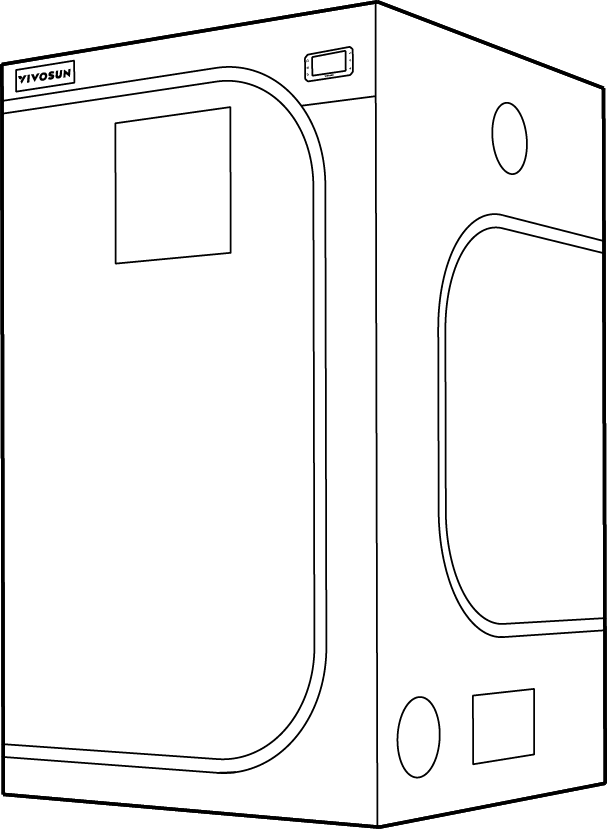
Grow Tent |
Box A |
|
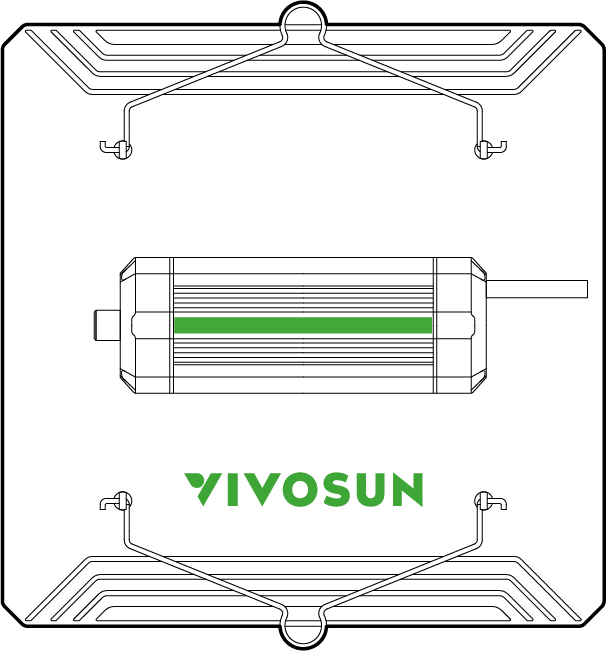
Lumalight |
Box B |
|
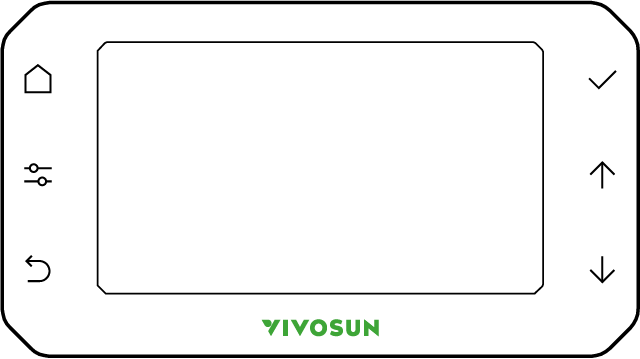
GrowHub Controller E42A+ |
Box C |
|
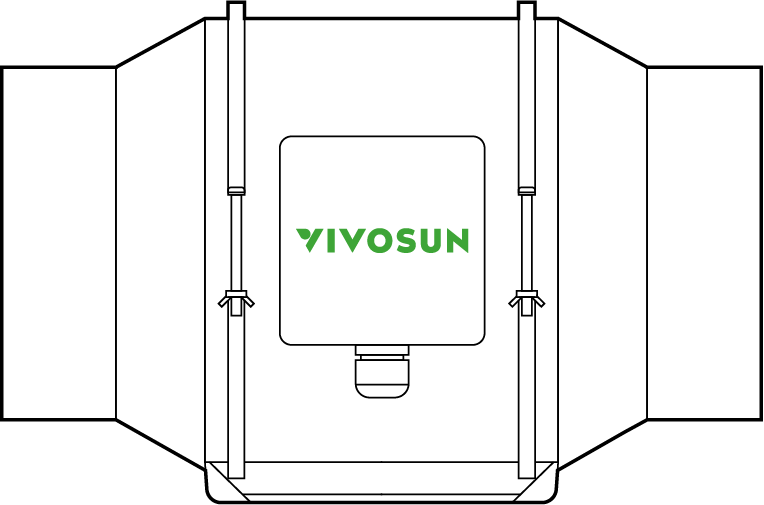
AeroZesh G Duct Fan |
Box D |
|
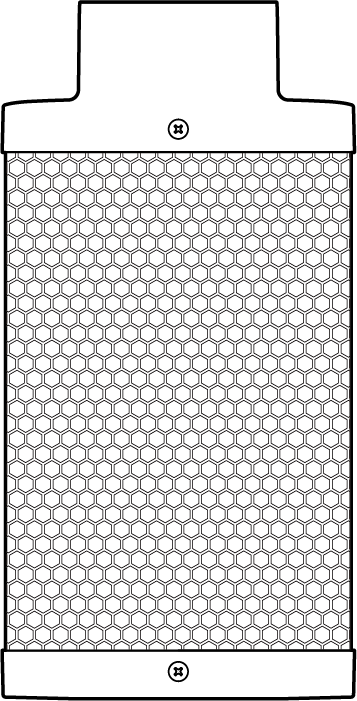
Carbon Filter |
Box E |
|
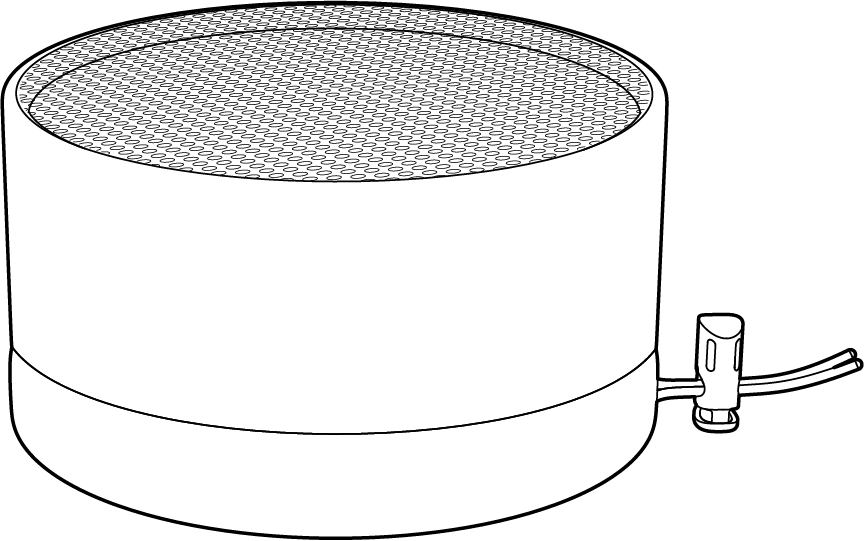
Prefilter |
Box E |
|
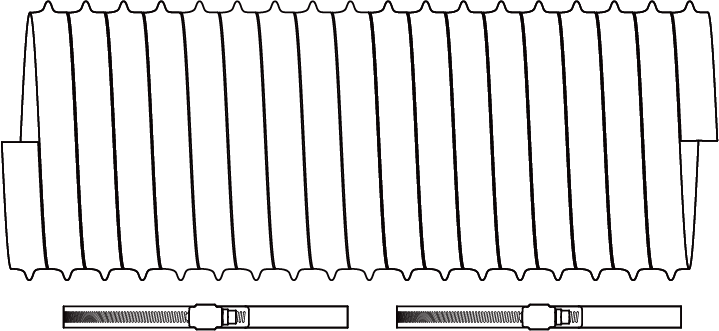
Ducting and Clamps |
Box F |
|
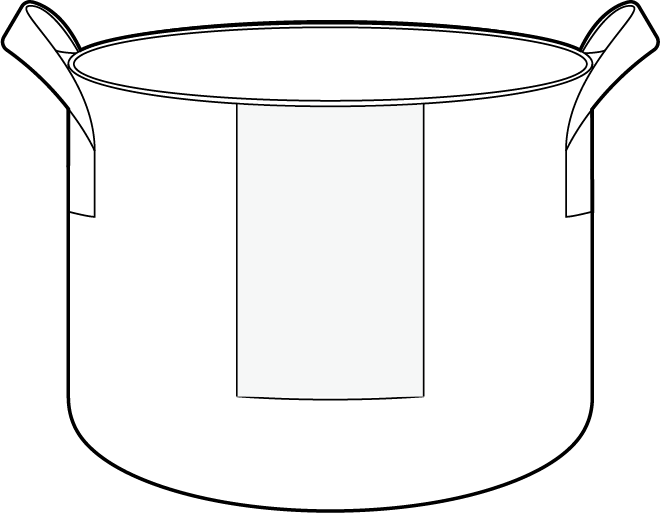
5 Gal. Grow Bags |
Box G |
|
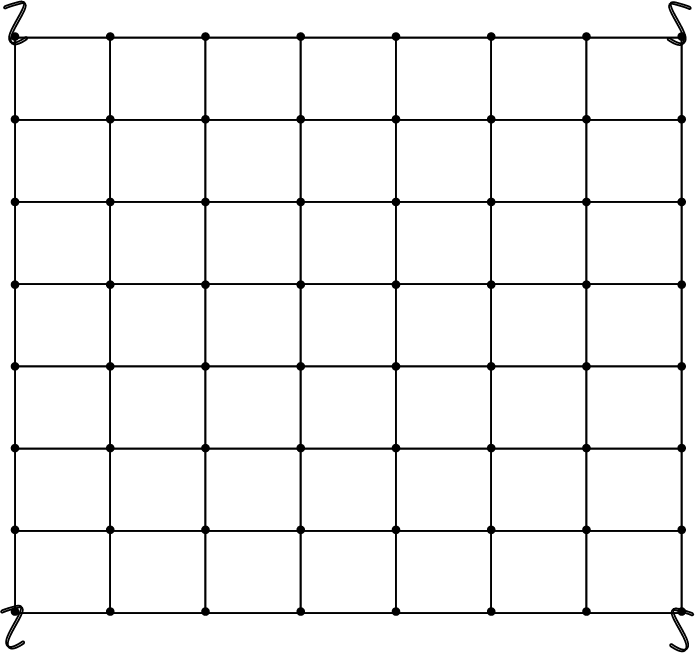
Elastic Trellis Net |
Box H |
|
Vent Covers |
Box H |
|
Garden Twist Ties |
Box H |
|
Aluminum Ducting Tape |
Box H |
|
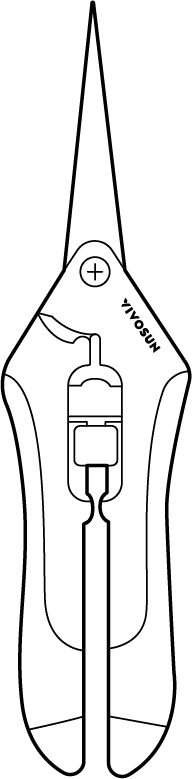
Pruning Shears |
Box H |
Specifications
| VSK-GIYB336 | VSK-GIYB346 | VSK-GIYB448 | ||
|---|---|---|---|---|
BOX A |
Grow Tent |
36x36x72" x1 (90cmx90cmx180cm) |
39x39x72" x1 (100cmx100cmx180cm) |
48x48x80" x1 (120cmx120xcm200cm) |
BOX B |
Grow Light |
Lumalight 200W x1 |
Lumalight 200W x1 |
Lumalight 400W x1 |
Rope Hangers |
Rope Hanger x2 |
|||
BOX C |
Controller |
GrowHub E42A+ x1 |
||
BOX D |
Duct Fan |
AeroZesh G4 4" (10.2cm) x1 |
AeroZesh G6 6" (15.2cm) x1 |
|
BOX E |
Carbon Filter |
Carbon Filter 4" (10cm) x1 |
Carbon Filter 6" (15cm) x1 |
|
Prefilter |
Prefilter 4"(10cm) x1 |
Prefilter 6" (15cm) x1 |
||
BOX F |
Ducting |
4" (10.2cm) Ducting 8ft (2.4m) x1 |
6" (15.2cm) Ducting 8ft (2.4m) x1 |
|
Clamps |
4" (10.2cm) Metal Clamp x2 |
6" (15.2cm) Metal Clamp x2 |
||
BOX G |
Grow Bags |
5gal (18.9L).Grow Bag x5 |
||
BOX H |
Trellis Net |
Trellis Net 36"x36" (90cmx90cm) x1 |
||
Vent Cover |
Vent Covers-4" (10.2cm) x2 |
Vent Covers-6" (15.2cm) x2 |
||
Twist Ties |
Twist Tie-328ft (100m) x1 |
|||
Shears |
Pruning Shears x1 |
|||
Ducting Tape |
Aluminum Ducting Tape-5ft (1.55m) x1 |
|||
step 1
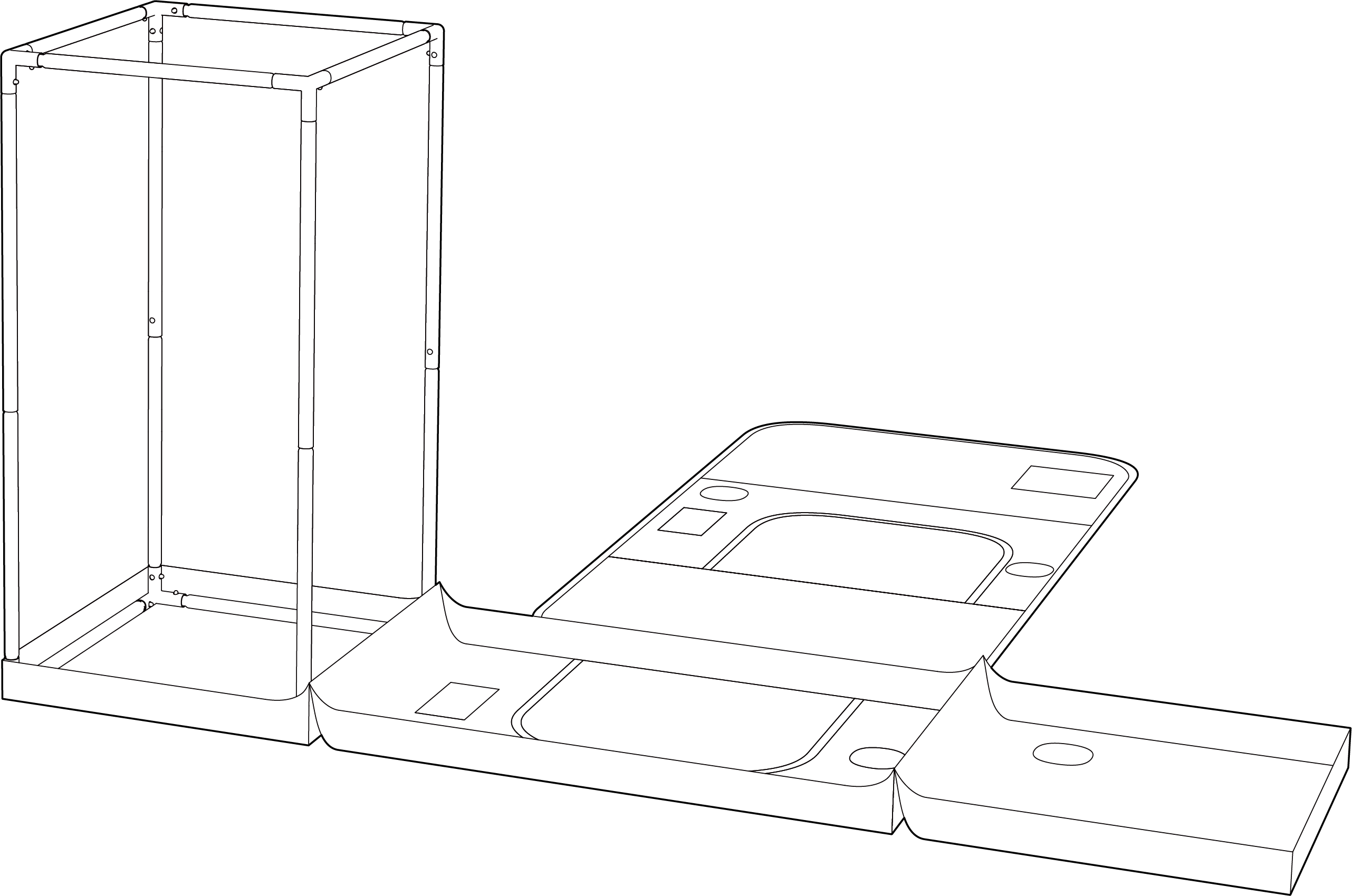
Setup your Grow Tent ( BOX A ) by following the instructions in the Grow Tent manual .
STEP 2
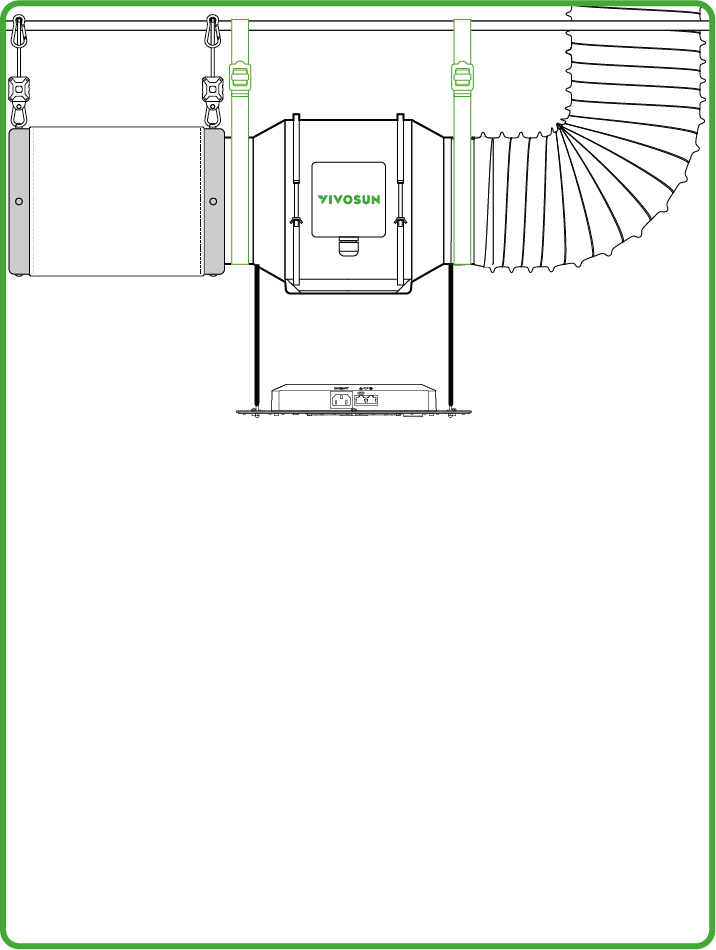
Install the AeroZesh Duct Fan (BOX D) at your preferred position. Hang the Duct Fan with Straps (BOX D) . For specific instructions, refer to the AeroZesh manual .
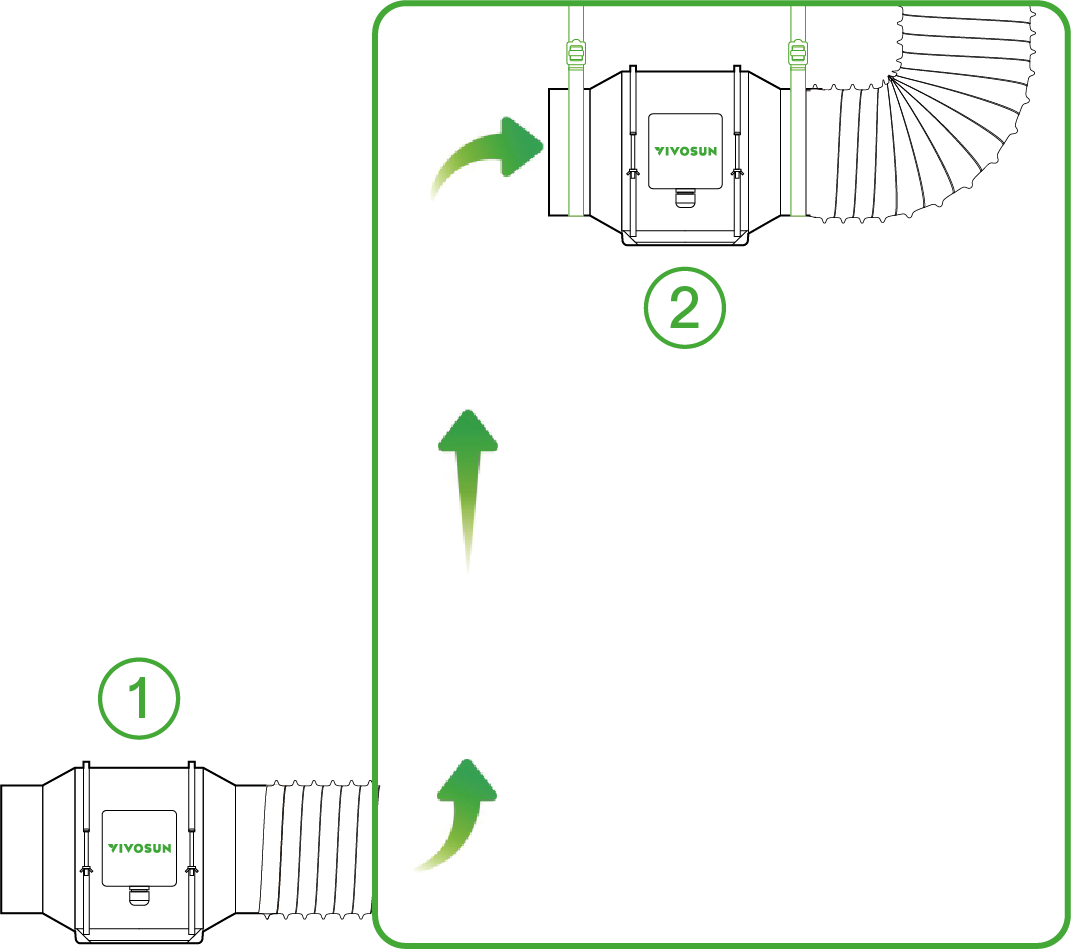
*1.Intake Fan
*2.Exhaust Fan
STEP 3
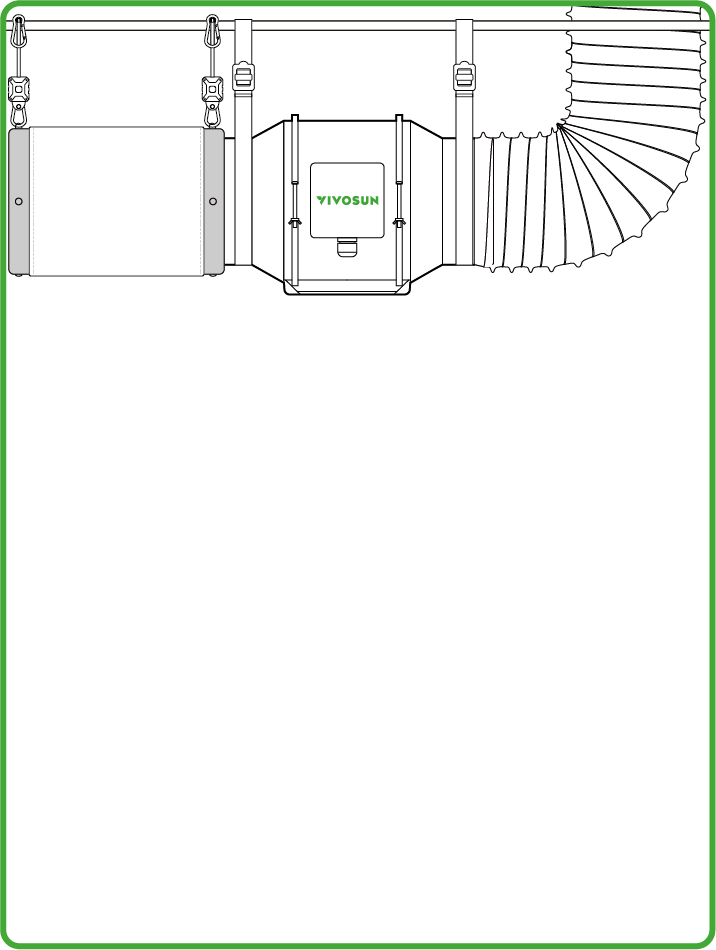
Cover the Prefilter on the Carbon Filter (BOX E) . Install the Carbon Filter and Ducting (BOX F) on the AeroZesh Duct Fan with Clamps and hang the with Straps (BOX E) .
STEP 4
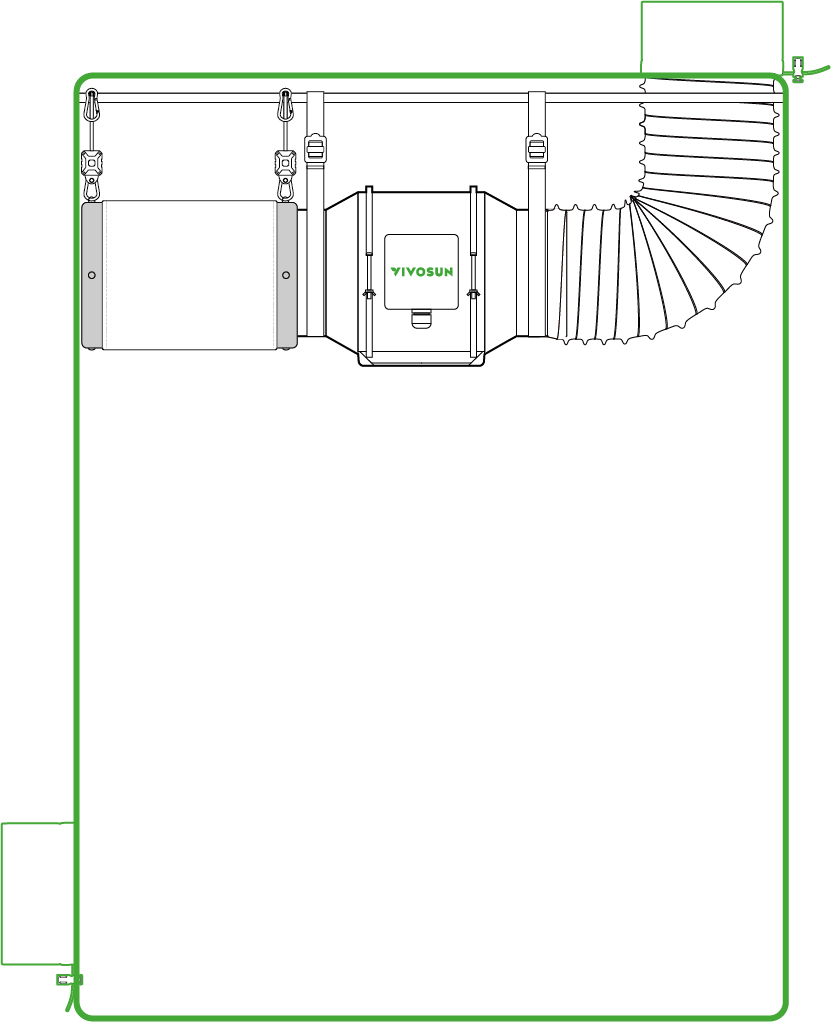
For extra vent protection, put the Vent Cover (BOX H) into the inlet vent of the tent or outlet of the ducting if needed. (OPTIONAL) .
STEP 5
Install the Lumalight (BOX B) to a ceiling rod or other appropriate fixture using the Rope Hangers (BOX B) and adjust to an appropriate height. For instruction specifics , please refer to the Lumalight manual .
-
LumaLight 200W/400W: https://vivosun.com/support/guide/lumalight
STEP 6
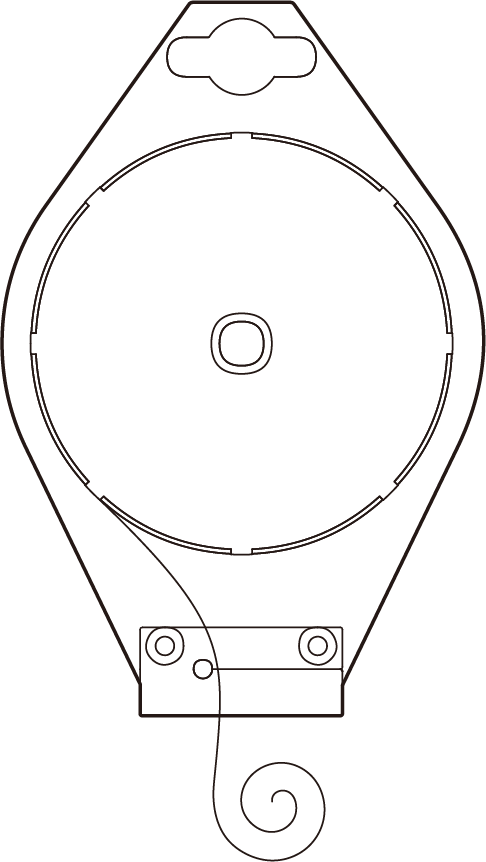
Mount the GrowHub Controller E42A+ (BOX C) on your tent or wall using the iron plate. For specific instructions, please refer to the GrowHub manual .
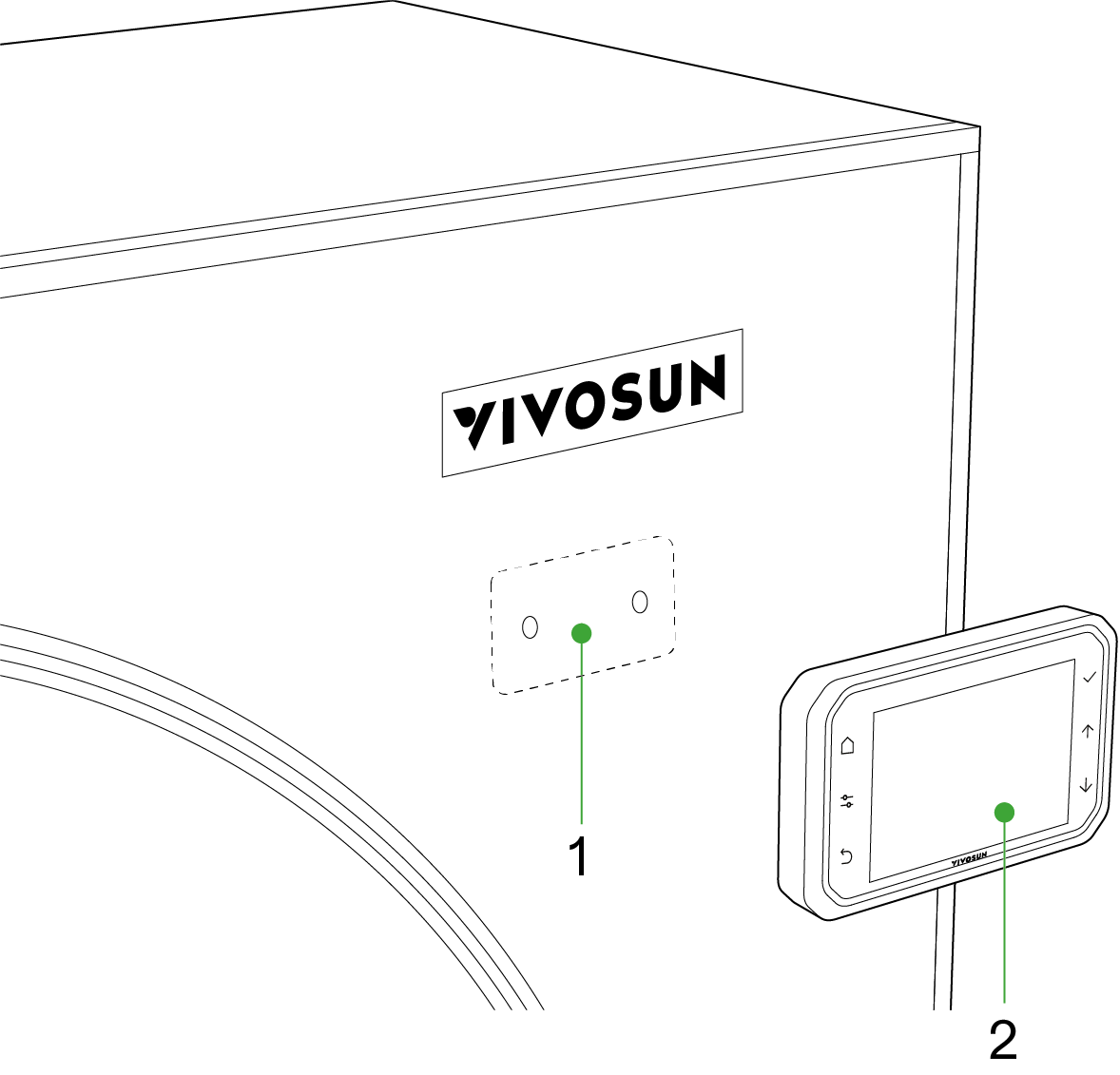
*1.Iron Plate
*2.GrowHub Controller E42A+ (with Magnet)
STEP 7
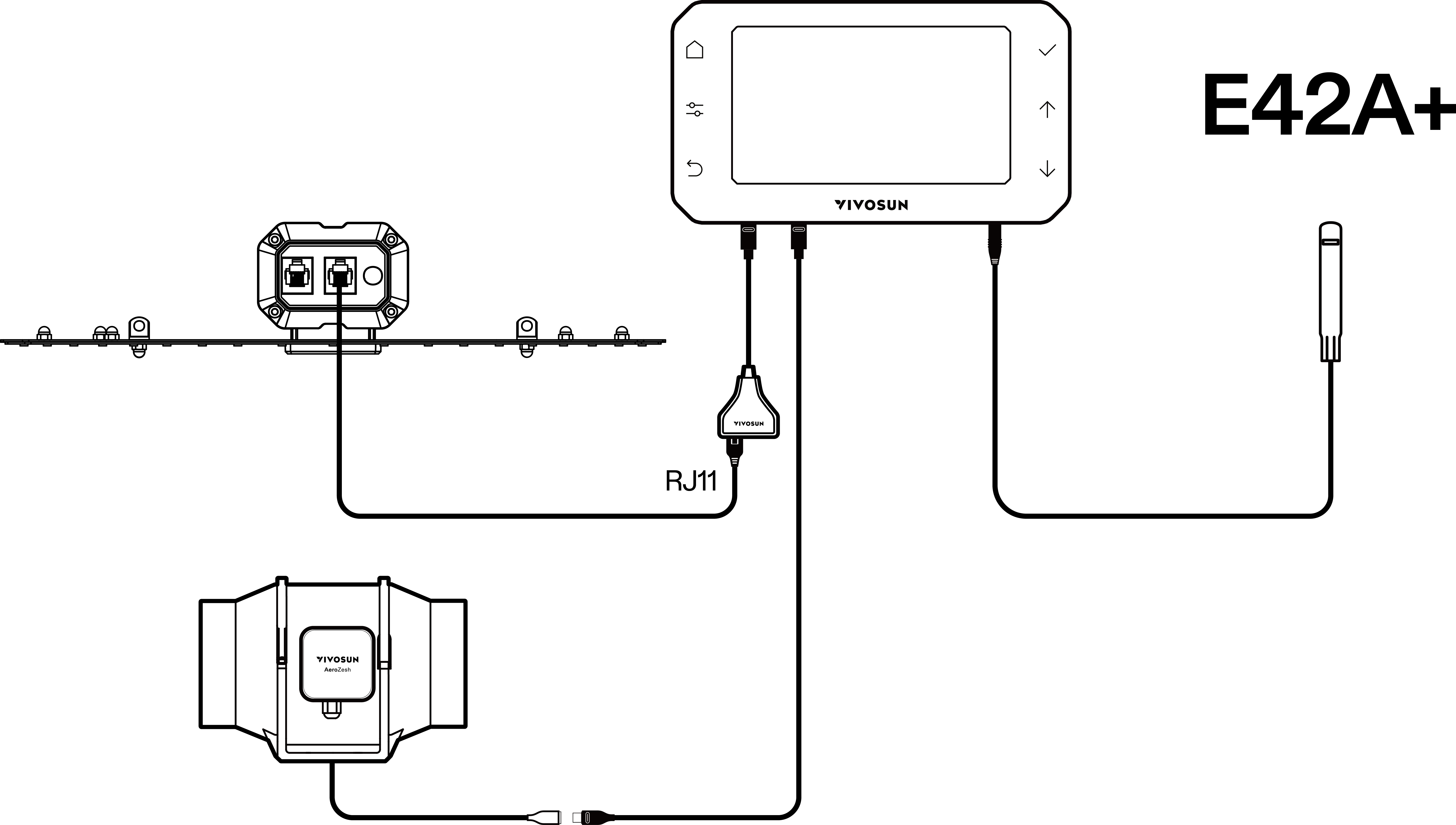
Connect the Lumalight to the GrowHub with a RJ11 Cable (BOX B) plugged into the RJ11&RJ45 converter. Connect the AeroZesh with a Type-C cable (BOX C) to one of the Type-C ports. Plug the Temp./Humidity Sensor (BOX C) into the AUX port. For installation specifics, please refer to the GrowHub manual.
STEP 8
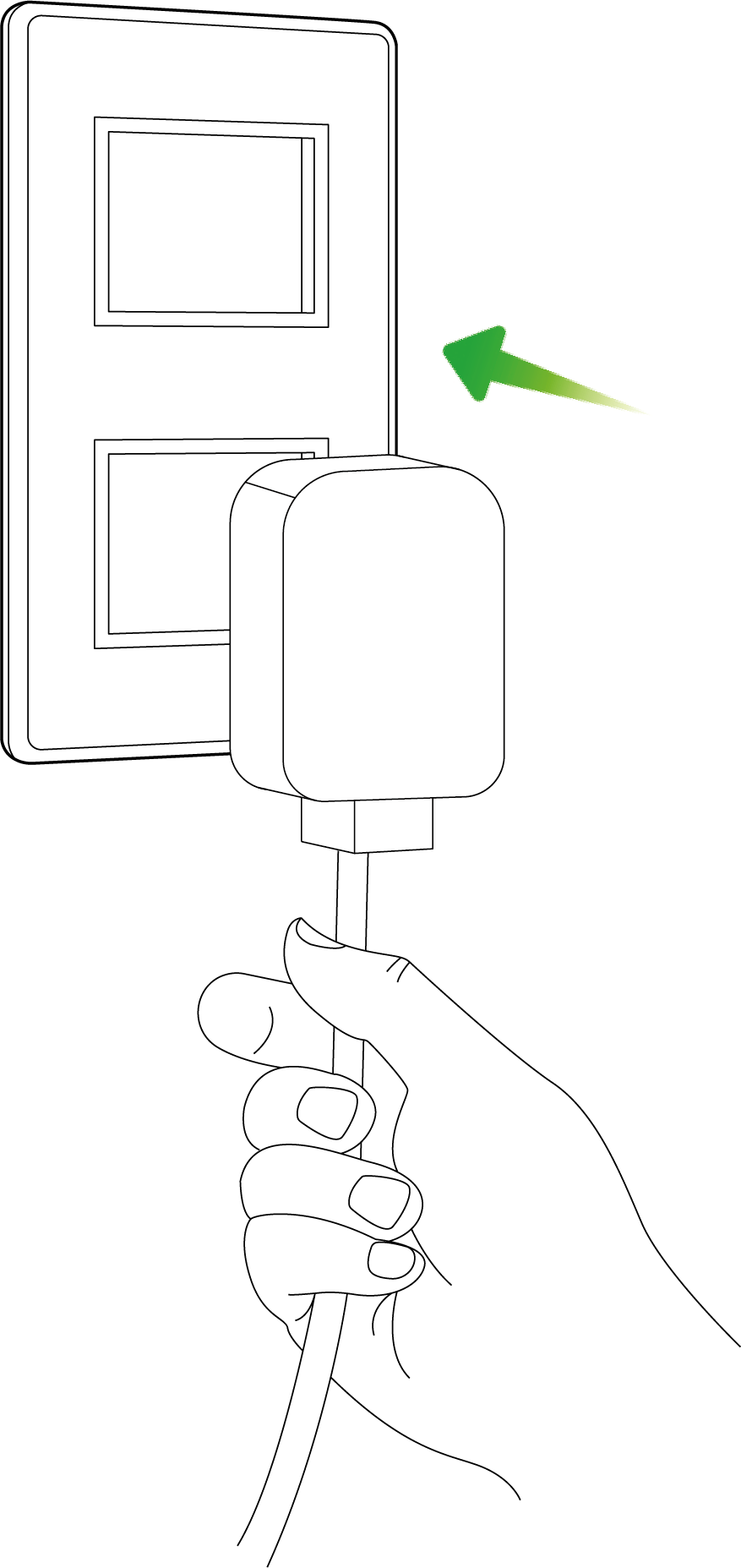
Plug the Lumalight and AeroZesh into nearby AC outlets using the power cords in BOX B and D .
STEP 9
CONNECTING TO THE VIVOSUN APP
1 . Download the Vivosun App
Search ''VIVOSUN'' in the Apple App Store or in the Google Play Store to download the Vivosun app.

2 . Add your GrowHub Controller E42A+
Tap " + " or  to add your GrowHub Controller E42A+. When connecting to the Vivosun app,
  will flash on the screen.
For more specific instructions on how to opetrate E42A+, please refer to the GrowHub manual.
Note:
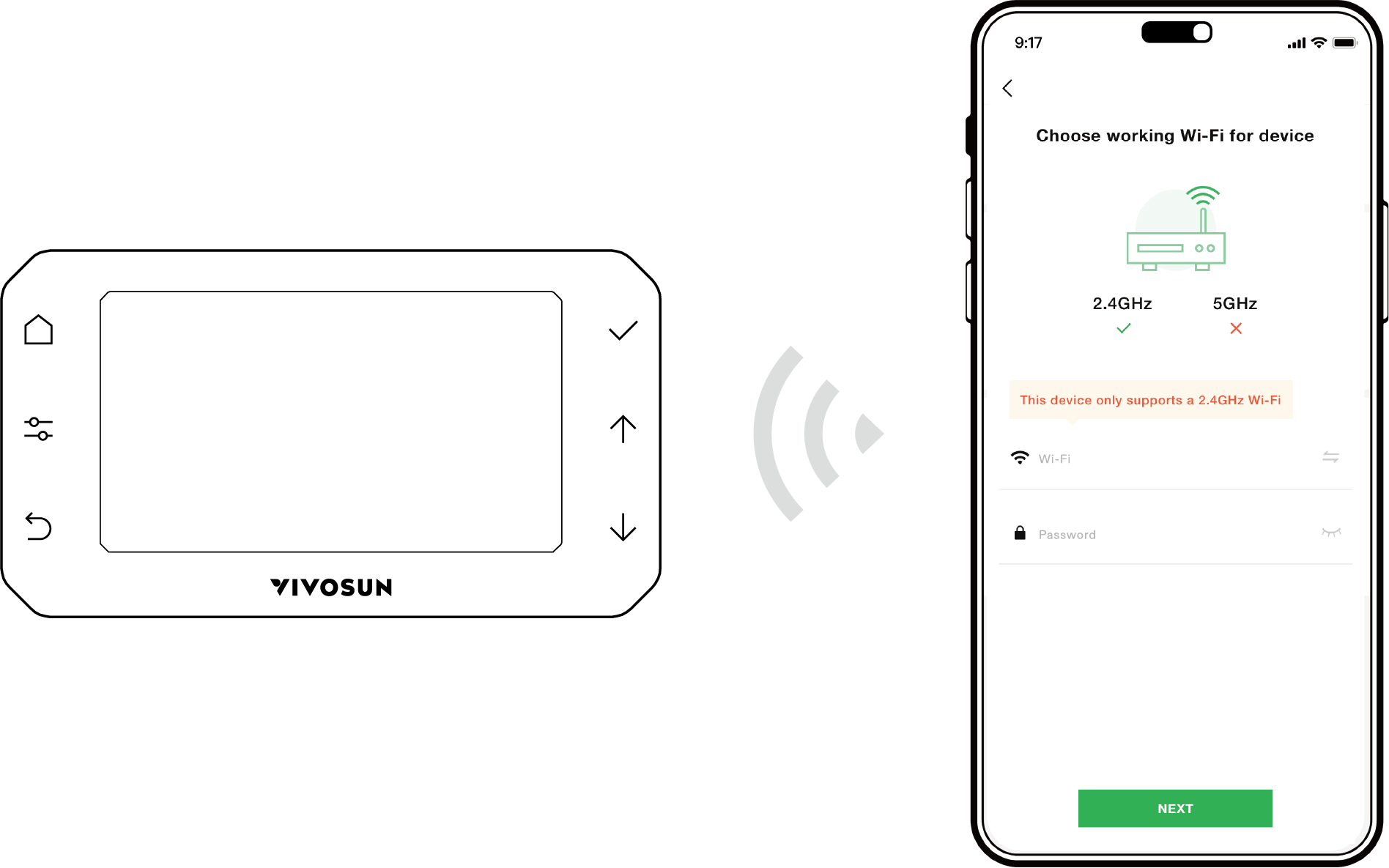
Make sure you have a 2.4 GHz Wi-Fi connection, and that Bluetooth is enabled on your phone
STEP 10
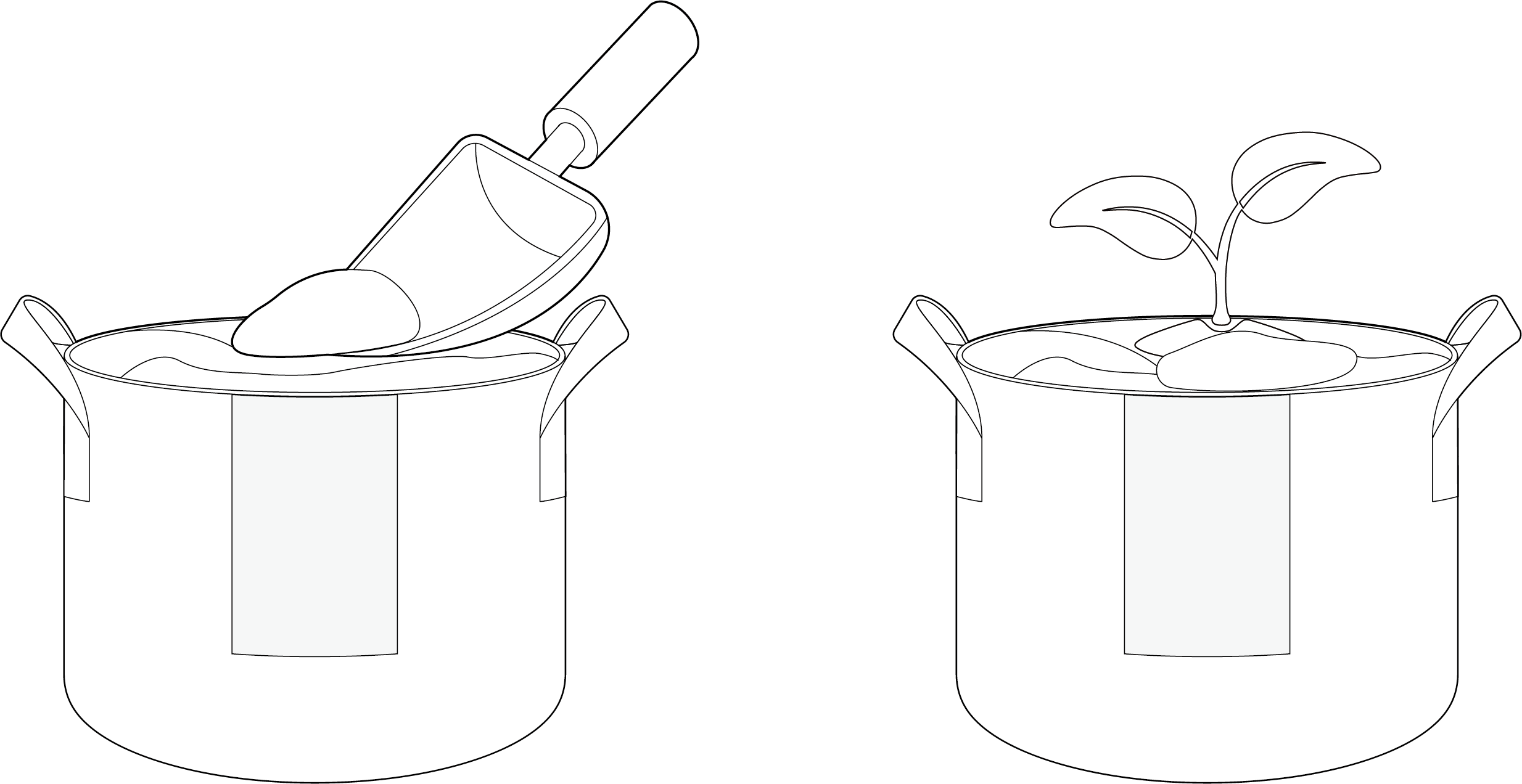
Fill the Grow Bags (BOX G) with growing medium and place the plants seeds or seedlings .
STEP 11
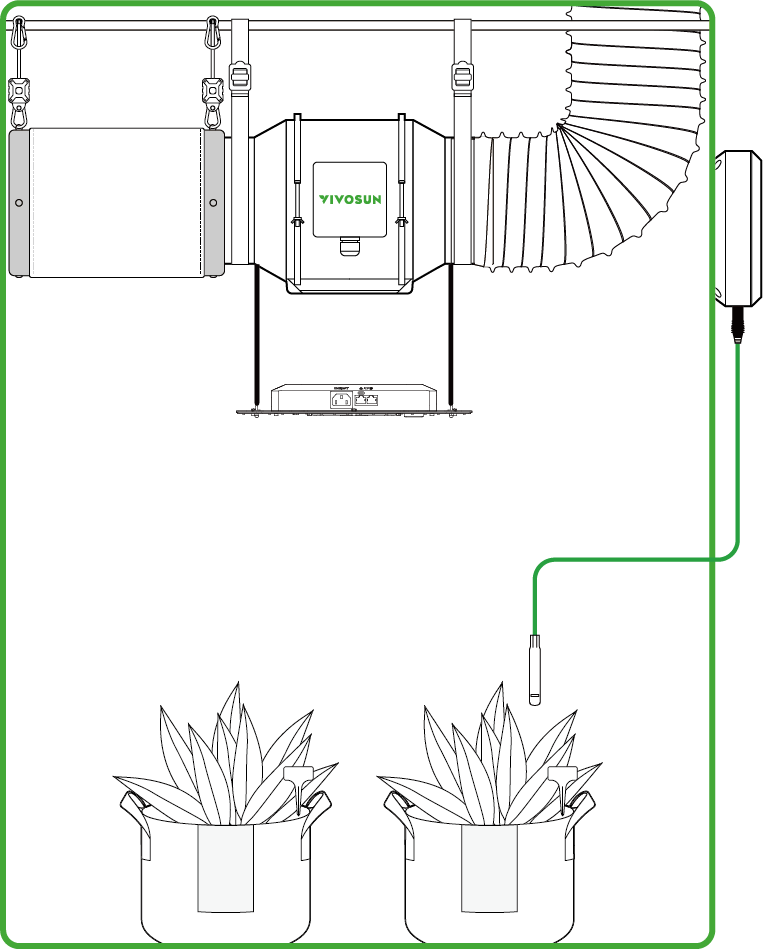
Place the Temperature/Humidity Sensor (BOX C) in an appropriate position in the Grow Tent to monitor the environmental conditions.
STEP 12
Log into your account and start a new "garden" by connecting your GrowHub controller through Wi-Fi.
For specifics on how to do so, please refer to the GrowHub manual.
STEP 13
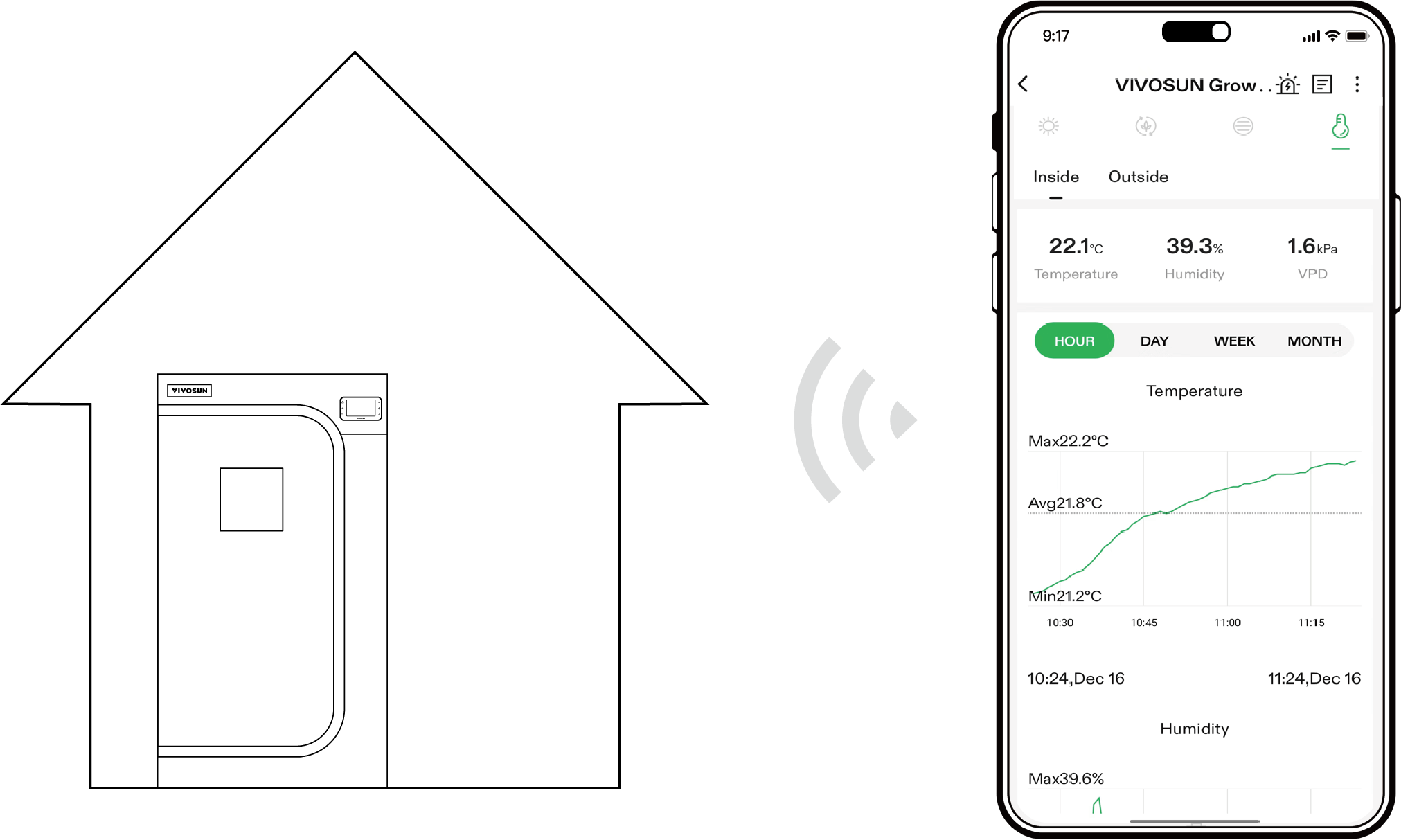
After connecting your GrowHub, you can set up a grow recipe, remotely control your devices, revisit archived logs, set alarms, record and share your experience.
Contents

We help you grow your best green.

We provide the highest quality.

We relentlessly pursue the future.

We make growing more enjoyable.

We support every grower.
Sign up and get 8% off your first order
©2026 Vivosun All Rights Reserved